
A Data Matrix code looks simple on the surface: a small square or rectangular grid of black and white cells printed on a label, etched into metal, or shown on a screen. Reading one back, however, depends entirely on using the right kind of device and understanding a handful of conditions that determine whether a scan succeeds on the first try or fails repeatedly. This article walks through what actually decodes a Data Matrix symbol, why it can be read from any angle, how it survives partial damage, and what to check when a scan does not work.
What Kind of Device Can Actually Read a Data Matrix Code?
Short on time? You can read a Data Matrix code online with a photo or your phone camera, no app needed, and come back here for the details on what makes a scan succeed.
Data Matrix is a two-dimensional, or "2D," symbology, which means the data is encoded across both the width and the height of the symbol, not along a single line. Reading it requires a device that can capture the entire grid at once and then interpret the pattern of light and dark modules in two dimensions. In practice, two categories of hardware do this:
- Smartphone cameras paired with a barcode-scanning app. Most apps built on Google's ML Kit, Apple's Vision framework or the open-source ZXing library decode Data Matrix, but the camera app that ships on the phone usually does not: Apple's Camera app is documented for QR codes only, and on Android native support varies by manufacturer, with Google Lens's Data Matrix recognition being a comparatively recent addition rather than something available since Lens first launched. The camera captures a full image frame, and decoding software locates the symbol within that frame and extracts the data.
- Dedicated 2D imagers, which are CCD or CMOS area-array cameras built into industrial and retail handheld scanners, fixed-mount scanners on production lines, and machine vision systems. Like a smartphone camera, an area-array sensor captures a rectangular image rather than a single scan line.
What will not work is a classic single-line laser barcode scanner, the kind that has been used for decades to read UPC and EAN barcodes at retail checkout counters. Those scanners work by sweeping a laser beam along one axis and measuring reflected light as the beam crosses a series of parallel bars. That approach is well suited to a 1D barcode, where all the information sits along a single horizontal line, but it has no way to capture a two-dimensional grid. A laser scanner pointed at a Data Matrix code effectively sees, at best, one row or column of the pattern, not the full symbol, so it cannot decode it. This is worth stating plainly because a common cause of scanning failures in warehouses and retail environments is someone using older 1D-only hardware on a 2D symbol rather than any problem with the printed code itself. If a facility only has legacy laser scanners on hand, moving to Data Matrix or any other 2D symbology means the scanning hardware needs to be upgraded too.
Why Does Orientation Not Matter When Scanning?
One of the most useful properties of Data Matrix is that it can be read correctly no matter how the symbol is rotated relative to the scanner, whether that is 15 degrees off-axis, sideways, or fully upside down. This is not an accident of clever software; it is built directly into the structure of the symbol through what is called the finder pattern.
Every Data Matrix symbol has a solid border, shaped like the letter "L," running along two adjacent sides. This solid line gives the decoder an unambiguous reference for where the symbol begins and how it is oriented in the captured image, even if the image itself is rotated or skewed. The other two sides of the symbol carry an alternating pattern of light and dark modules, known as the timing pattern (or "clock track"), which tells the decoder how many rows and columns of modules the symbol contains. Between the solid L and the alternating timing pattern, the decoder can work out three things almost instantly: where the symbol's corners are, which way is "up" relative to the data inside it, and exactly how fine the grid is. From there it can map every module in the captured image back to its logical position in the symbol regardless of the angle the picture was taken at.
This stands in contrast to symbologies that rely on a scan direction or a fixed reading orientation to make sense of the data. Because Data Matrix carries its own orientation information in every symbol, a warehouse worker scanning boxes on a conveyor, a phone held at a careless angle, or a fixed camera mounted above a rotating part on an assembly line will all get a correct read without needing to line the code up first.

What Happens if Part of the Code Is Damaged or Dirty?
Data Matrix codes generated under the current ECC 200 standard include Reed-Solomon error correction, which is a mathematical scheme that adds redundant data to the symbol on top of the actual message being encoded. In plain terms, the encoder does not just write the message once; it also writes extra "check" data derived from that message, spread across the grid. When a decoder reads the symbol back, it can use that redundant data to detect which modules do not match what they should be and, up to a point, reconstruct the correct values even when some of the original data is missing or unreadable.
This is what allows a Data Matrix code to still scan successfully after a corner is torn off a label, after ink has smudged across part of the grid, or after a dot-peened mark on a metal part has picked up light surface corrosion. ECC 200 reserves roughly 28 to 30 percent of a symbol's codewords for error correction in medium and large symbols, and in practice a scanner can recover from roughly 15 to 25 percent of the codewords being damaged or obscured, depending on symbol size; the '30 percent' figure often quoted is a best case, not a guarantee. How much damage a given symbol can actually absorb depends on where the damage falls, not just how much of it there is. Damage concentrated in the finder pattern, the solid L border or the timing pattern, is more likely to cause a failed read than an equivalent amount of scattered damage spread across the data-carrying modules in the interior of the grid, because the decoder needs that border and timing information to even locate and size the symbol before error correction can do its work. Symbol size matters too, though not in the obvious way: the smallest symbols actually carry proportionally more error-correction data (a 10x10 symbol devotes 5 of its 8 codewords to error correction, against roughly 28 percent in a 144x144 symbol), but because the finder and timing patterns take up a much larger share of a small symbol's area, a given scratch is more likely to land on those critical structures and defeat the read before error correction can help.
It is worth understanding that error correction is a recovery mechanism for otherwise-unavoidable wear and tear, not a substitute for a well-printed or well-marked code in the first place. A symbol that is poorly printed to begin with, with weak contrast or inconsistent module edges, starts from a worse position and has less margin left to absorb real-world damage later.
What Scanning Conditions Actually Affect a Successful Read?
Beyond having the right kind of scanner, several physical factors determine whether a given Data Matrix symbol will read reliably.
- Contrast. The decoder needs to distinguish dark modules from light ones (or, on some direct part marks, matte modules from reflective ones). Low contrast between the symbol and its background, such as a light gray code on a white label, makes every other factor below matter more, because the decoder has less margin for error in the first place.
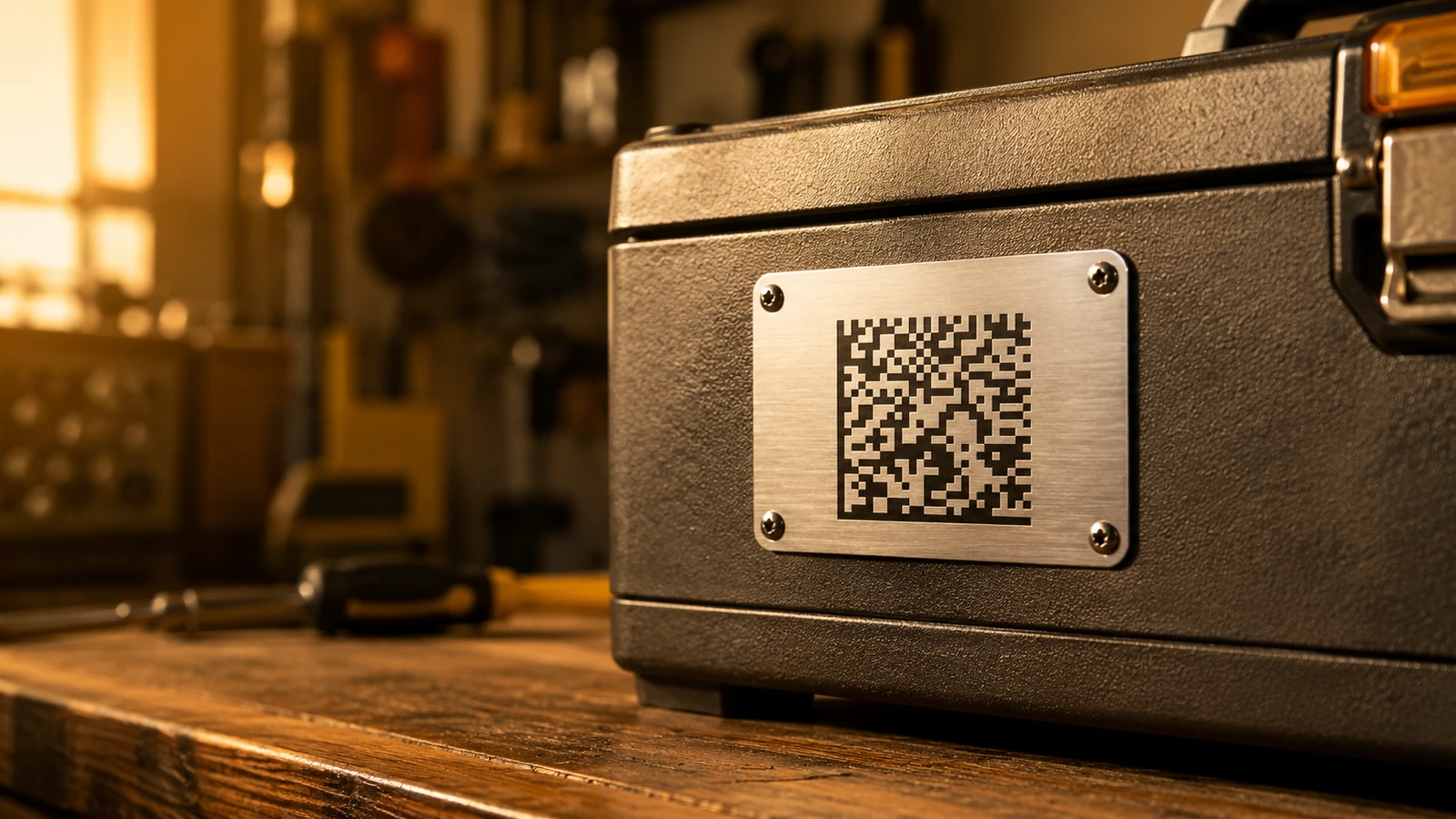
- Lighting. Printed labels on paper or film generally read fine under ordinary, fairly uniform light, including typical indoor lighting or a phone's camera flash. Direct part marks are a different story. Marks that are laser-etched or dot-peened directly into metal, plastic, or ceramic are usually low-contrast and highly reflective, since the mark and the surrounding surface are often the same material and color, differing only in surface texture. A single light source shone straight at a mark like that tends to bounce most of the light straight back into the lens as glare, washing out the pattern. That is why direct part marks are typically read under diffuse or angled lighting, often from purpose-built "dome" lights that illuminate the surface evenly from multiple angles at once, scattering reflections rather than concentrating them. This is also the basis for formal print and mark verification under standards such as ISO/IEC 15415 for printed symbols and ISO/IEC 29158 for direct part marks, which specify controlled lighting geometry (45-degree four-sided lighting in 15415; low-angle, on-axis and diffuse dome options in 29158) precisely because the same mark can grade very differently under different light.
- Module size relative to resolution and distance. Every Data Matrix symbol is made of a grid of individual modules, and each module needs to be resolved as a distinct cell by the scanner's sensor. A camera with a fixed resolution can only resolve modules down to a certain physical size at a given working distance; move too far away, or shrink the printed code too much, and adjacent modules blur together into a smear the decoder cannot separate. This is why a code sized correctly for a close-range phone scan may need to be printed noticeably larger if it is meant to be read by a fixed-mount scanner several feet away on a conveyor line.
- Quiet zone. This refers to a small margin of clear, unmarked space that should surround the symbol on all sides. Without it, the decoder can have trouble telling where the actual symbol ends and where surrounding text, graphics, or print defects begin, since the solid L border and the timing pattern are only meaningful if the decoder can first isolate the symbol's true edges. A quiet zone does not need to be large, at least one module wide on all four sides per ISO/IEC 16022, but it does need to be present and genuinely blank.
Why Does a Scan Sometimes Fail, and What Should You Check?
When a Data Matrix code will not scan, the cause is almost always one of a small set of practical issues rather than anything wrong with the encoding itself. Working through them roughly in order of how often they turn out to be the culprit:
- Glare or uneven lighting. A reflective label, a glossy laminate over a printed code, or a direct part mark under a single harsh light source can all wash out enough of the pattern that the decoder cannot lock onto it. Try changing the angle between the light source, the surface, and the camera, or move to more diffuse ambient light.
- The code is too small for the distance it is being scanned from. If a phone or scanner is held too far from a small code, the modules fall below the resolution the sensor can actually distinguish. Move closer, or, if this happens consistently, the code needs to be printed larger for its intended reading distance.
- Not enough quiet zone. A code crammed right up against a border, other text, or a product graphic with no clear margin can be misread or not detected at all, even if the symbol itself is printed perfectly.
- A curved or angled surface. Wrapping a label around a bottle or cylinder, or marking a curved metal part, can distort the grid enough to confuse a decoder, particularly if the curvature is tight relative to the size of the symbol. Flattening the viewing angle as much as possible, or scanning from slightly farther back so less curvature falls within the frame, often helps.
- Motion blur. A handheld scan taken while the phone or scanner is still moving can blur the fine edges between modules enough that the decoder cannot resolve them cleanly. Holding the camera steady for a fraction of a second longer usually resolves this.
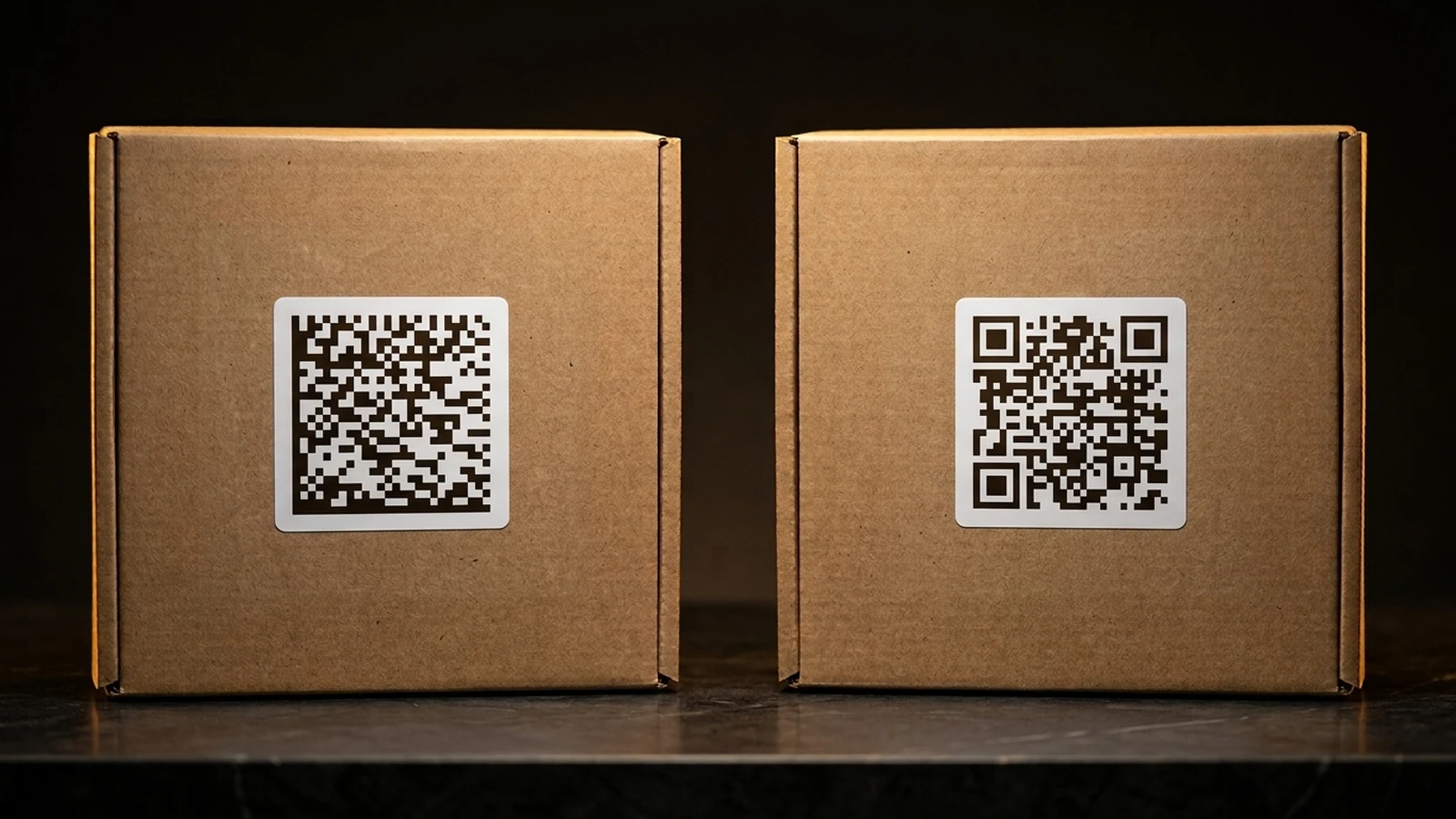
- The app does not actually support Data Matrix. This one catches people off guard: plenty of "barcode scanner" apps, and some built-in phone camera scanning features, are tuned specifically for QR codes and either do not recognize Data Matrix at all or handle it poorly. If a code will not scan with one app, it is worth trying a general-purpose scanning app that explicitly lists Data Matrix among its supported symbologies before assuming the code itself is the problem. A quick way to rule the code in or out is the free Data Matrix scanner on this site, which reads a code from a photo or your camera right in the browser.
Working through this list in order tends to isolate the cause quickly, since lighting and distance are the most common culprits in practice, well ahead of anything related to the underlying data or encoding.
How Do You Verify a Generated Code Actually Reads Correctly?
Once a Data Matrix code has been generated, whether for a shipping label, a product package, or an internal tracking tag, it is worth checking that it actually decodes to the intended text before printing it at any real scale. This does not require special equipment. Pointing a smartphone camera at the code, whether it is displayed on a screen or printed on paper, and using a general-purpose barcode-reading app (or the online Data Matrix scanner, which also shows GS1 fields) is enough to confirm that the symbol encodes exactly what was intended, with no stray characters, truncation, or encoding mistakes introduced along the way. This kind of quick check is particularly useful after generating a batch of codes from a spreadsheet or database, where a single formatting error upstream could otherwise slip through and end up printed hundreds of times before anyone notices. It is a small habit, but catching an encoding mistake at the verification stage costs a few seconds; catching the same mistake after a print run has already shipped costs considerably more.
Reading a Data Matrix code reliably comes down to a short list of fundamentals: the right kind of imaging device, adequate contrast and lighting for the surface involved, a symbol sized appropriately for its reading distance, and a clear margin around the edges. Once those conditions are in place, the symbol's built-in orientation independence and error correction do most of the remaining work automatically, which is a large part of why Data Matrix has held up so well across industrial and healthcare applications for decades.